 Softickets
Your world of experiences, in one app.
Explore, Discover, Map, Bookings and Profile: five places that follow your journey from “what is on?” to “I was there.”
Browse and search, your way.
Explore is the main browse-and-search surface. Filter by category, see trending and upcoming experiences, and check prices before you open an event.
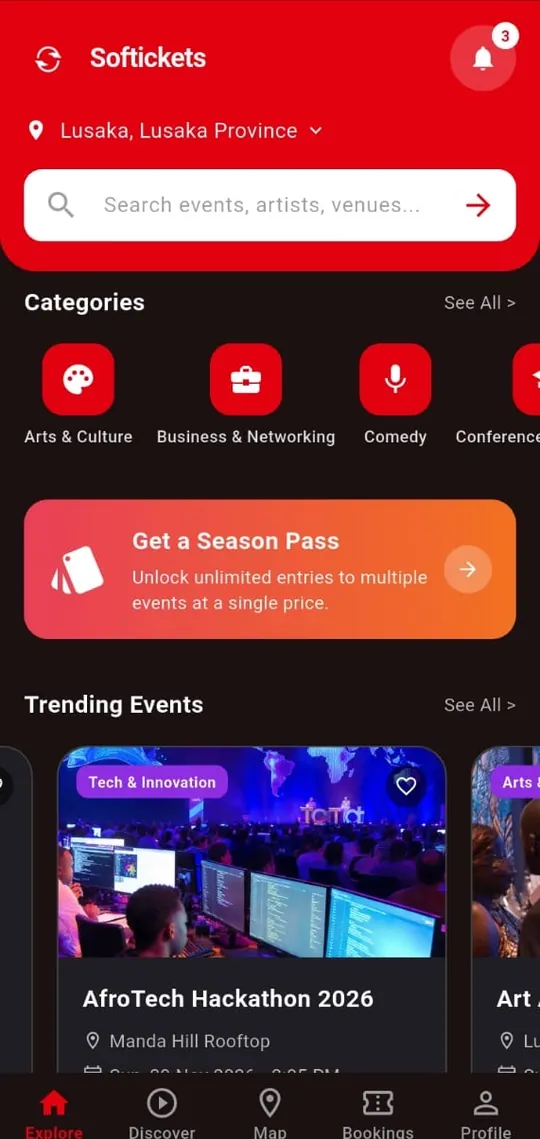
Fall into experiences you did not know you wanted.
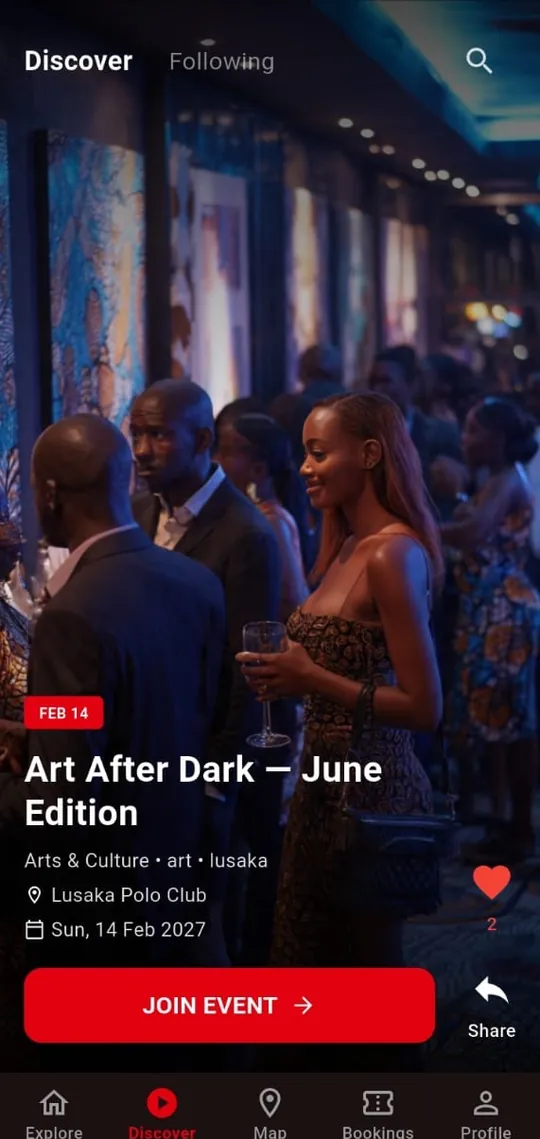
Discover is a vertical, video-first feed. Each card shows the experience, date and place, with a save (heart), share and a join button. Data Saver can lighten the load on mobile data.
Saving does not buy a ticket.
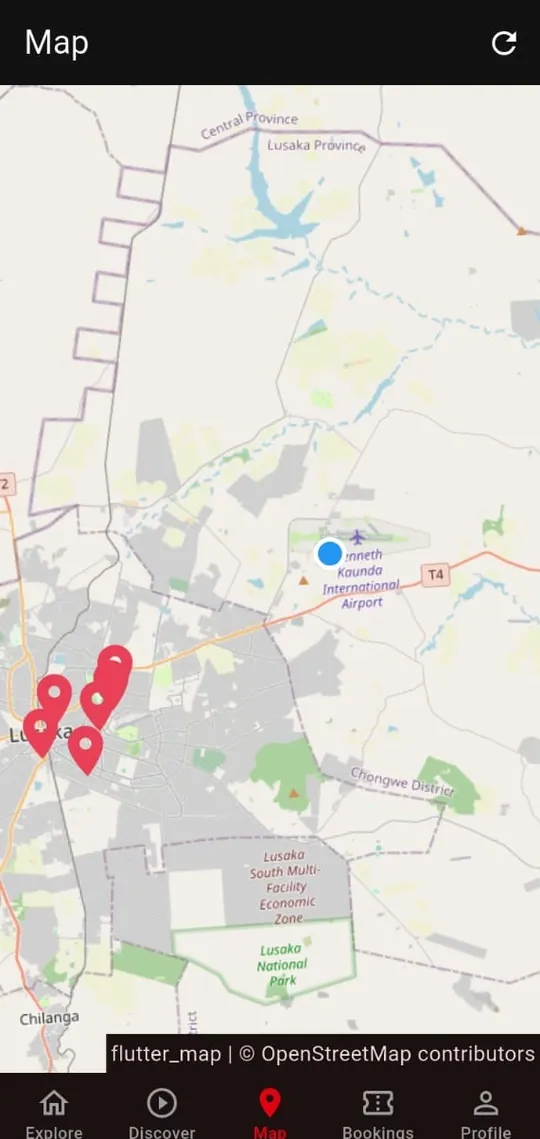
See what is happening around you.
Open the Map to see mapped experiences, tap a pin for a summary and full details, and use Get Directions. Location is used only if you grant permission, and not every experience may have precise coordinates.
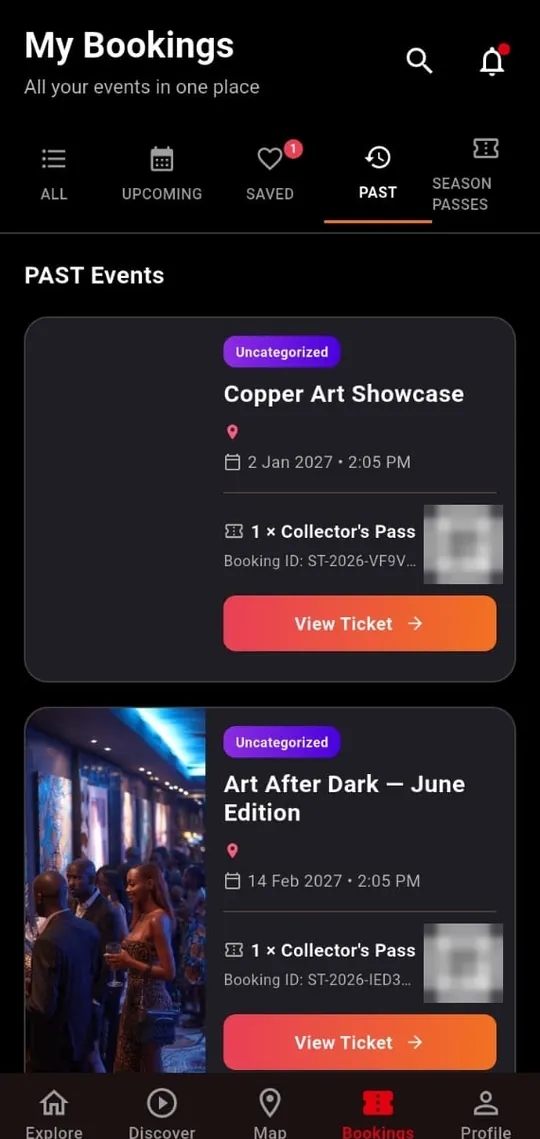
Everything you are part of, in one place.
Tabs: All, Upcoming, Saved and Past. A Saved event is marked “Not Booked” and has no ticket. A confirmed booking shows your booking reference and ticket.
- Saved → no ticket, no QR code
- Confirmed → booking reference and ticket
Make Softickets yours.
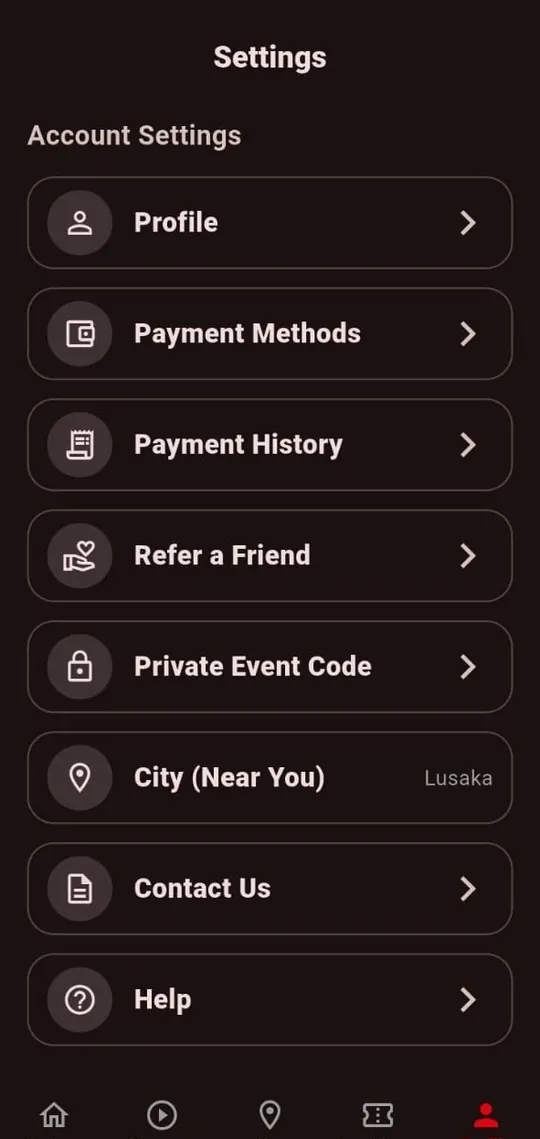
Edit your profile, manage payment methods and payment history in one place, open Promotions (coupons, refer a friend and complimentary tickets), set your city, contact support, and choose Theme, Quick Book and Data Saver options.
Features, with the fine print.
Quick Book
Fewer checkout steps on eligible purchases, with a payment confirmation. Subject to eligibility, authentication, a saved payment method and backend checks; not available for every user or purchase.
Public, Unlisted & Private events
Public events appear in search, on the map and in Discover. Unlisted events are not searchable: open the shared link, see the event basics and send a request that the organiser approves or declines. Private events are also hidden from search: open the link and enter the access code the organiser gave you. A one-time code works for one person only.
Free means free
Free events show “Free” as the price, are claimed with Get Free Ticket and carry no service fee.
Promotions
Coupons, refer a friend, and free tickets given to you by organisers (Complimentary), all in one place.
Payments
Payment methods and payment history sit together. Mobile money (Airtel Money, MTN MoMo, Zamtel Kwacha) and card payments through Lenco’s secure form are referenced in the current build. Service fee on paid tickets: MIN((face value × 8%) + K2, K35); free events have no fee. See pricing.
Data Saver
A setting to reduce data use while browsing. Savings vary, so we do not promise figures.